
You can now utilize Green Screens in GIF without needing a physical backdrop. View our guide below for enabling AI BG in the Green Screen tab
PBU has the option to apply backgrounds to guest photos without the need of a physical backdrop using AI Background Removal. This works in a similar fashion to regular green screen functionality, but without needing to adjust Chroma Key settings. This feature works best against a solid backdrop or wall. Capturing guests when there are other subjects further in the background can affect the results.
Note: AI BG Removal has a cost of $0.15 per photo captured which will be added to your event total (regardless of package). This means if you are printing a 3 frame strip and using AI BG Removal, the cost will be $0.45 per strip, plus the usual sharing fees. Reprints will not incur these additional costs.
In the Green Screen tab, you can choose your BG Removal Method from the dropdown menu:
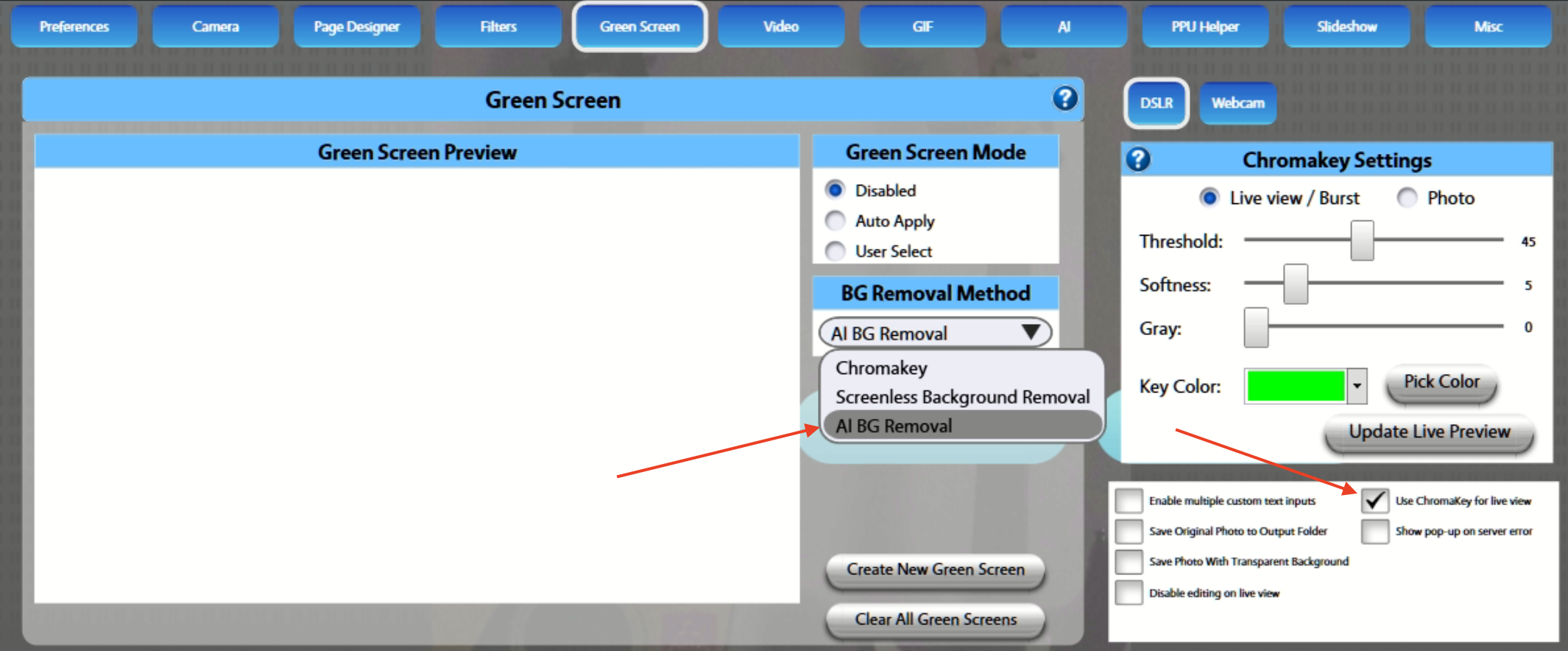
Then select 'Use Chromakey for live view'. This will allow the live view to appear so guests can position themselves, and then AI BG will be used on the final render to remove the background.
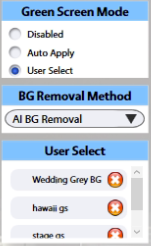
For AI BG Removal, select this option in the dropdown menu, then apply either auto-select or user-apply, and choose your background(s) as usual:
To apply AI BG to GIFs, setup as usual, but once AI BG Removal is enabled in the Green Screen tab the backgrounds will behave as usual (minus the need for a backdrop):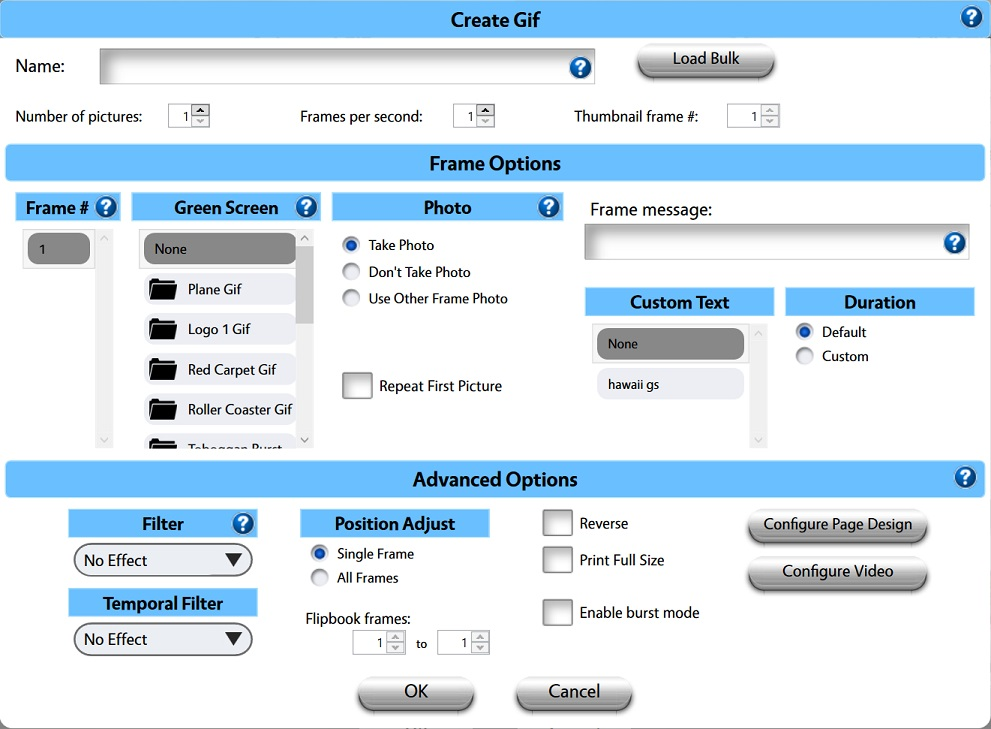
Here you can see it in action: