If your Venture is not powering on, please review the items below:
Locate the rocker switch above the power power - it will be red if it is turned on. Next, located the silver on/off button inside the unit. If nothing happens when you press the silver button, please proceed.
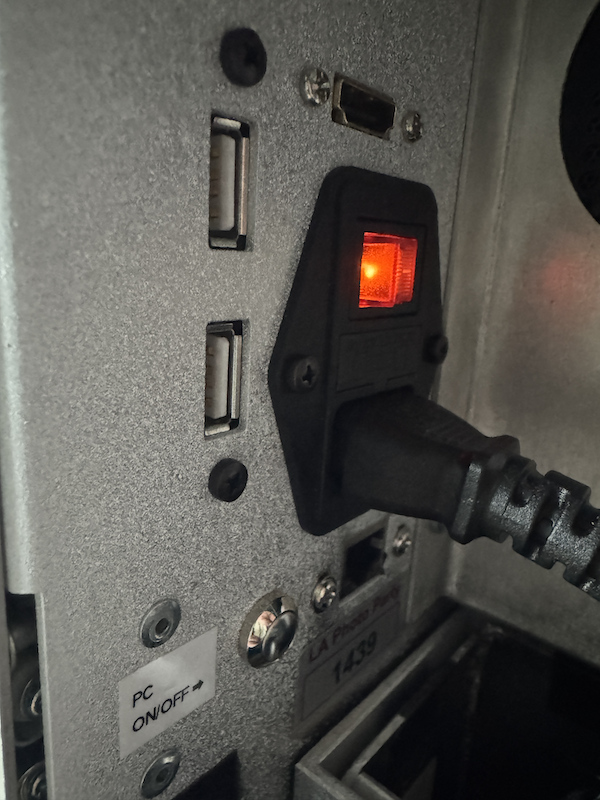
Follow the red/black cable coming out of the back of the power switch:
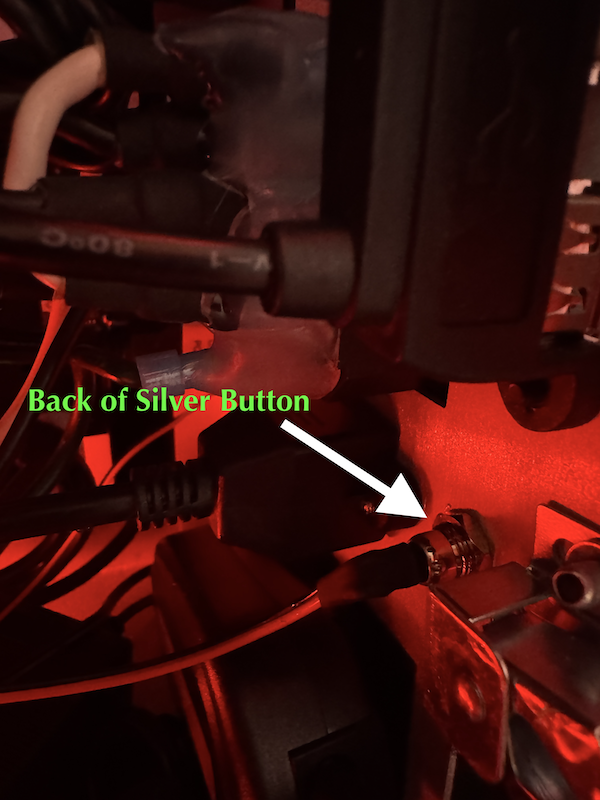
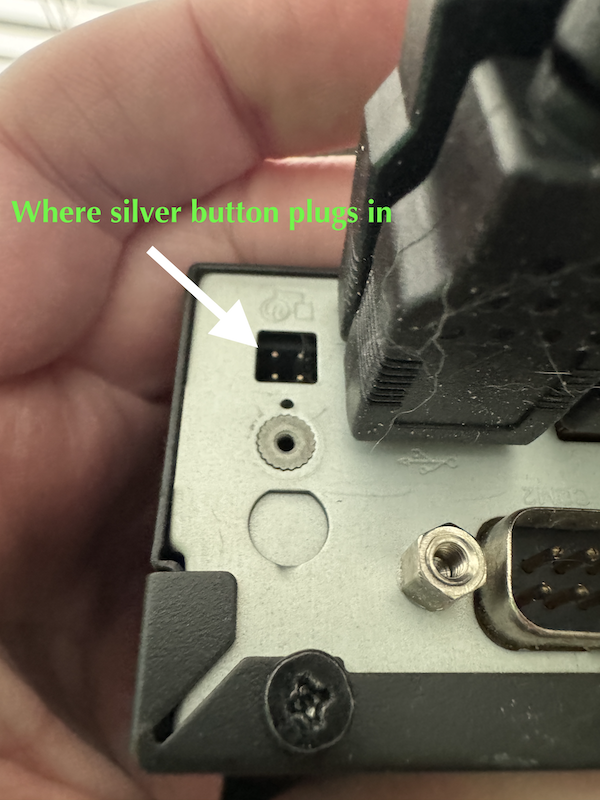
This cable plugs into the bottom of the PC:
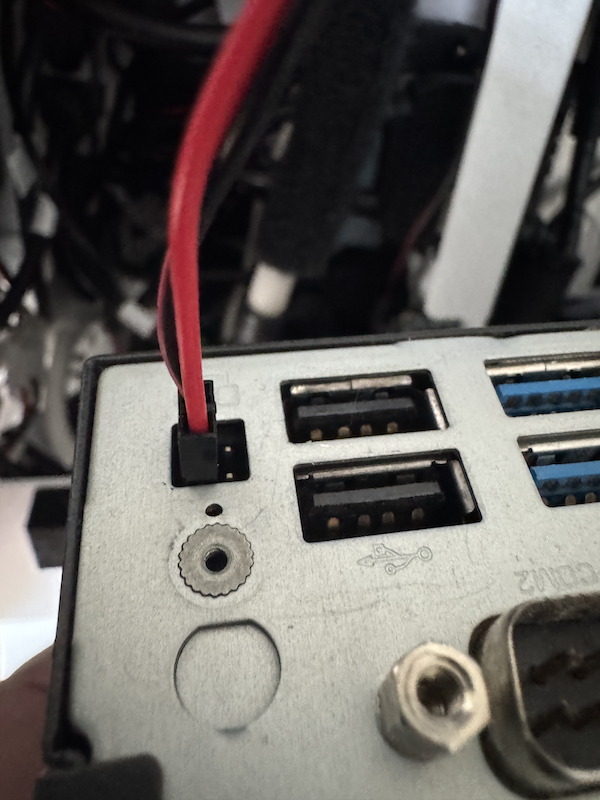
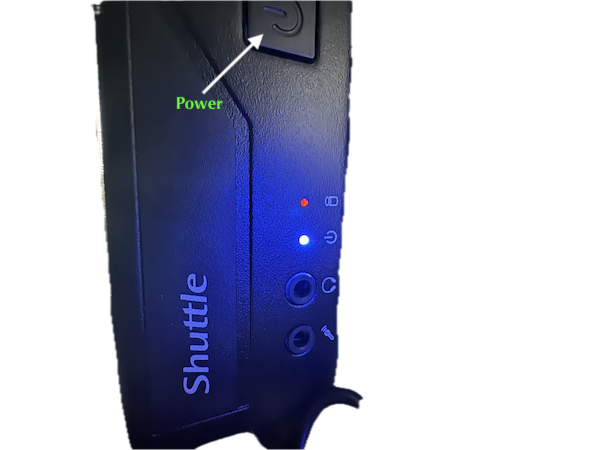
If after reconnecting the red/black cable nothing happens, you can turn the PC on directly. In the front of the Shuttle/PC, there is a power button. This may be square or round depending on the generation of the PC: